
A little about Pixel Sketch
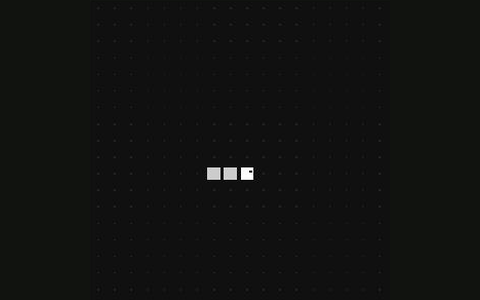
Draw one pixel at a time on a 40 × 40 canvas. Move the pen, pick a color, erase a line, and save your finished picture as a PNG.
How to play
- Press ▶ to start drawing. Hold the arrow buttons or keyboard arrows to move the pen. Tap the canvas to reposition it.
- Use Color to choose your ink. Switch to Erase to remove pixels, or use Undo for a previous edit.
- Save PNG downloads your drawing. The restart icon clears the canvas and starts a new drawing.
What’s in this version
- 40 × 40 drawing grid with draw and erase modes.
- Custom color wheel, undo and PNG export.
- Touch controls and keyboard arrows.
A few helpful tips
- Reposition the pen before starting a disconnected shape.
- Export your work before leaving or refreshing the featured game; the drawing is not automatically saved.
Questions before you play
Can I save my drawing?
Yes. Save PNG downloads a PNG image to your device. Your browser may ask where to save it.
Does refreshing keep my drawing?
No. Refreshing or leaving the game destroys that instance. Save your picture first.